
My Track
Daniel QinTravel & Local
3.7595.00 Reviews
- Version
- 8.5.4.2
- Installs
- 1.00M
- Age Rating
- Everyone
Screenshots
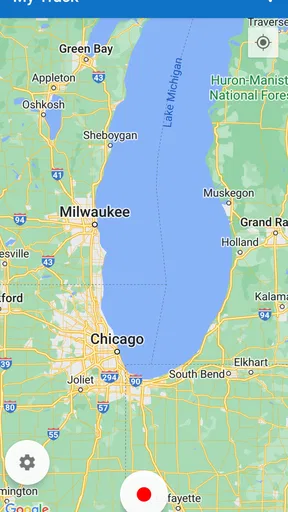
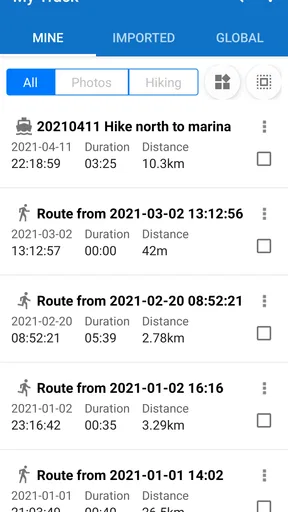
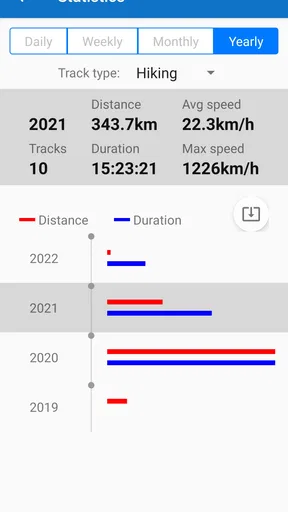
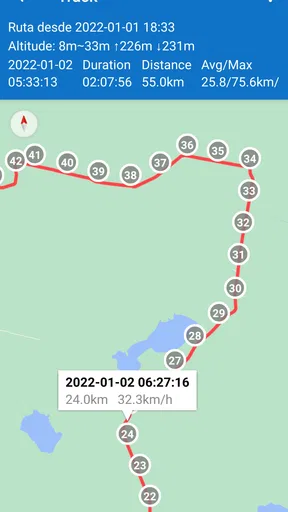
Our Review of My Track
 Analysis by Appyee
I often think of route tracking as a practical household tool, not just a way to log exercise. A walk with a child, a bike ride with a partner, or a solo errand can all leave behind useful route information. My Track is a free travel and local app from Daniel Qin that focuses on planning, recording, following and sharing routes, with photos that can be joined and shared. I like that straightforward premise, though shared use works best when everyone is clear about whose activity is being recorded and who can see it.
One device, several routines
On a shared phone, this kind of app can help different people keep a record of outings without turning the device into a family-monitoring tool. Imagine one person planning a weekend walk, another recording a cycle route later, and someone else using the phone to follow a planned path. Those are distinct tasks, so it helps to agree beforehand whose account or session is in use and to check the route details before starting.
The practical benefit is continuity: a route can be more useful after the outing than during it. A household member might want to revisit a pleasant park loop, while another may use a recorded path to remember where a photo was taken. Joining photos with route sharing can give an outing more context than a bare line on a map. I would treat that as a personal record, however, rather than assume every person using the same device has a separate private space.
Set boundaries before recording
Location tracking is most helpful when it is intentional. Before handing a shared phone to someone else, I would stop the current recording, check which activity is open and make sure the next person understands when tracking begins. That small pause prevents one person’s walk from being mixed into another person’s route history, and avoids sharing a trip simply because the phone changed hands.
I would also decide in advance which routes are suitable to share. A public trail or a group outing may be fine; a route that starts or ends at home can reveal more than its owner intended. Sharing is a useful part of the app’s appeal, but it is not automatically appropriate for every outing. If the phone is used by several people, agreeing on a simple rule—record only your own trips and review a route before sending it—makes the feature easier to use responsibly.
Planning and following routes together
For coordination, route planning can be useful before a group sets off. One person can work out the route, then others can follow it rather than repeatedly asking which turn comes next. On a walk with relatives or friends, that can reduce confusion when the group spreads out. It is still sensible to agree on a meeting point and a fallback plan; a tracking app should support coordination, not become the only way people know where to go.
There is a trade-off between recording and simply enjoying the outing. If the goal is to remember a route, starting a recording before moving and checking that it is active can save frustration later. If the outing is mainly social, stopping to manage the phone may be more nuisance than benefit. I would use the app selectively: capture routes worth revisiting, and leave routine trips unrecorded when a log adds little.
Who gets the most from it
My Track makes the most sense for people who want a lightweight record of walks, rides or other routes and enjoy looking back at where they went. It can also suit a household that shares a device for occasional outings, provided everyone understands the handoff and sharing boundaries. The app is free to install, is rated for Everyone, and has optional in-app purchases priced from $0.99 to $24.99 per item, so I would check the purchase prompts before letting a child use the phone unsupervised.
It is less compelling for someone who only needs turn-by-turn navigation to reach a destination. A conventional maps app is usually the more direct choice for finding an address, checking a journey or navigating unfamiliar streets. Likewise, a dedicated fitness service may suit someone whose priority is structured training metrics or a long-running workout plan. My Track’s distinct appeal is the route record and the ability to share routes and photos, not a promise to replace every travel or exercise tool.
Age, trust and shared phones
The Everyone content rating makes the app broadly suitable from an age-rating perspective, but it does not settle the household questions that come with location data. I would show younger users how to start and stop a recording and explain that a shared route can disclose where someone has been. For a child’s independent trip, the app should not be treated as a substitute for direct check-ins or an agreed safety plan.
Adults sharing a device should be just as deliberate. A route history can be personal even when the phone is communal, and social sharing can make a private outing visible to others. Before inviting someone to follow a route or sending one out, I would check what is being shared and whether the recipient needs the full route. That is a more useful habit than assuming a shared device means shared consent.
What to expect from the experience
The app has been available since February 19, 2014, and its current version is 8.5.3, with Android 6.0 as the minimum operating system. It has an average rating of 3.7 from around 14,000 ratings, alongside roughly 594 written reviews and over one million installs. I see those figures as signs that it has found an audience, not as a guarantee that its route recording will suit every phone or every person.
Because recording depends on location access, I would check the phone’s location settings before relying on a route log. A brief test walk is a sensible first run: start tracking, follow a familiar loop, then review the saved result before using the app for a longer outing. This simple check helps reveal whether the chosen phone and settings are behaving as expected, without risking an important route as the first experiment.
Getting Started with My Track
First things first, setting up My Track is a breeze. You download it from your app store, and within minutes, you’re ready to roll. The interface is clean and intuitive, which is a huge plus if you’re not looking to spend hours figuring out how to use it. The app prompts you to allow location access and other necessary permissions, ensuring you get the most accurate data possible.
Features You’ll Love
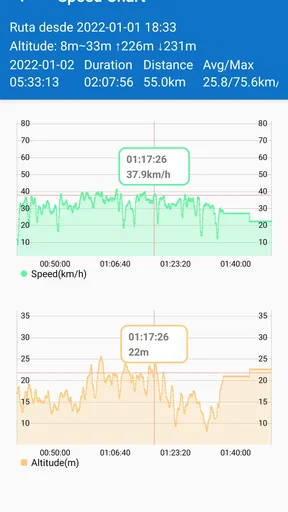
One of the standout features of My Track is its real-time GPS tracking. Whether you’re jogging, cycling, or just taking a walk around the block, the app provides detailed maps and statistics. I found the accuracy quite impressive, and it’s great for those of us who like to keep a record of our routes and distances.
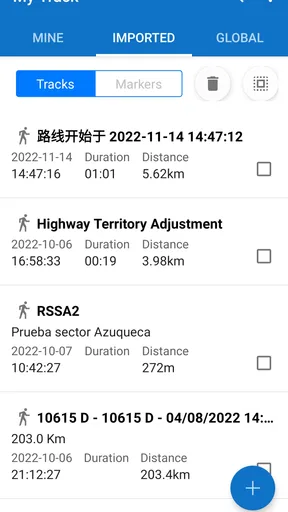
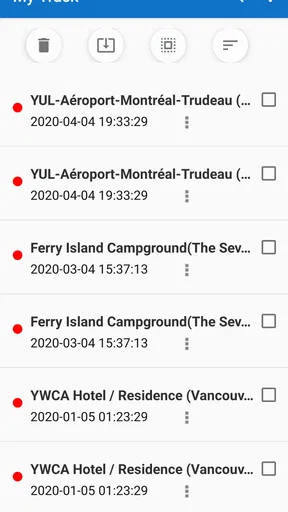
Another cool feature is the activity log. It’s like having a personal diary of all your movements. You can look back on previous days and see exactly what you did and when. This feature is especially handy for tracking progress over time, and it gives you that little boost of motivation to keep pushing your limits.
User Experience and Design
The user experience is where My Track really shines. The developers have clearly put a lot of thought into making the app user-friendly. The design is sleek, with a modern look that doesn’t overwhelm you with too much information at once. Navigating through the app is smooth, and everything is laid out in a way that makes sense.
Notifications and reminders are customizable, which is a nice touch. You can set goals and receive gentle nudges to help you stay on track. I personally found the reminders to be quite helpful, especially on days when motivation was running low.
Additional Perks
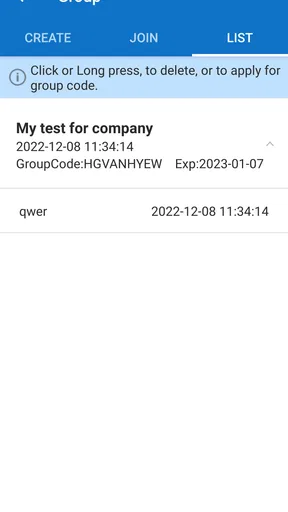
For those who love to share their achievements, My Track allows you to connect with friends. You can share your routes and achievements on social media or directly with friends within the app. It’s a fun way to stay connected and maybe even spark a little friendly competition.
Moreover, the app integrates well with other fitness platforms, so if you’re using other tools to monitor your health and fitness, you can easily sync your data.
Final Thoughts
After spending some quality time with My Track, I can confidently say it’s a solid choice for anyone looking to keep a detailed record of their activities. It’s simple but powerful, offering a range of features that cater to both casual users and fitness enthusiasts. Whether you’re just starting out or are an experienced athlete, there’s something here for everyone.
So, if you’re in the market for a reliable and easy-to-use tracking app, give My Track a try. It might just become your new favorite fitness companion. For me, it is best approached as a focused route journal: useful when I want to preserve a walk or share a planned path, but not essential for every trip. If that matches how you travel, it is worth trying; if you mainly need navigation or strict separation between several users, I would choose a tool built around that need instead.
Verdict
Strengths of My Track
- Easy-to-use interface for all ages.
- Accurate real-time tracking features.
- Lightweight and doesn't drain battery.
- Customizable notifications and alerts.
- Supports offline maps for remote areas.
Limitations of My Track
- Limited free version features.
- Ads can be intrusive at times.
- Occasional GPS signal loss.
- Interface lacks advanced customization.
- No integration with other fitness apps.
Similar Picks in This Category
View All
Google Maps
Google LLC3.4

Google Maps Go
Google LLC4.1

Booking.com: Hotels & Travel
Booking.com Hotels & Vacation Rentals4.8

Google Earth
Google LLC3.8

Skyscanner Flights Hotels Cars
Skyscanner Ltd4.8

trivago: Compare hotel prices
trivago N.V.4.4
Frequently Asked Questions
What is My Track, and what features does it offer?
My Track is a versatile app designed to help users monitor and analyze their daily activities, including fitness routines and travel routes. Key features include GPS tracking, customizable workout plans, progress reports, and social sharing capabilities. It also integrates with various health apps to provide a comprehensive overview of your fitness journey.
Is My Track compatible with both Android and iOS devices?
Yes, My Track is available for both Android and iOS platforms. It is optimized to run smoothly on a wide range of devices, ensuring that users can enjoy a seamless experience regardless of their preferred operating system. Regular updates also ensure compatibility with the latest OS versions.
Does My Track require a subscription, or is it free to use?
My Track offers a free version with essential features for basic tracking needs. For advanced functionalities, such as personalized coaching and detailed analytics, users can opt for a premium subscription. The subscription model provides flexibility with monthly and yearly plans, allowing users to choose based on their preferences.
How does My Track ensure the privacy and security of user data?
My Track is committed to maintaining user privacy and employs robust encryption methods to protect personal data. Users have control over their data sharing preferences, and the app adheres to strict privacy policies. Additionally, regular security audits are conducted to safeguard user information against unauthorized access.
Can I use My Track without an internet connection?
Yes, My Track allows offline functionality for certain features, such as GPS tracking and activity logging. While an internet connection is required for syncing data and accessing social sharing features, users can still record their activities offline and sync them later when a connection is available.
